
Sign-Up
Create a free ELEVATEX account, confirm your email, and sign in to the application.
Create a free account to start tracking flights with ELEVATEX.
Download and install
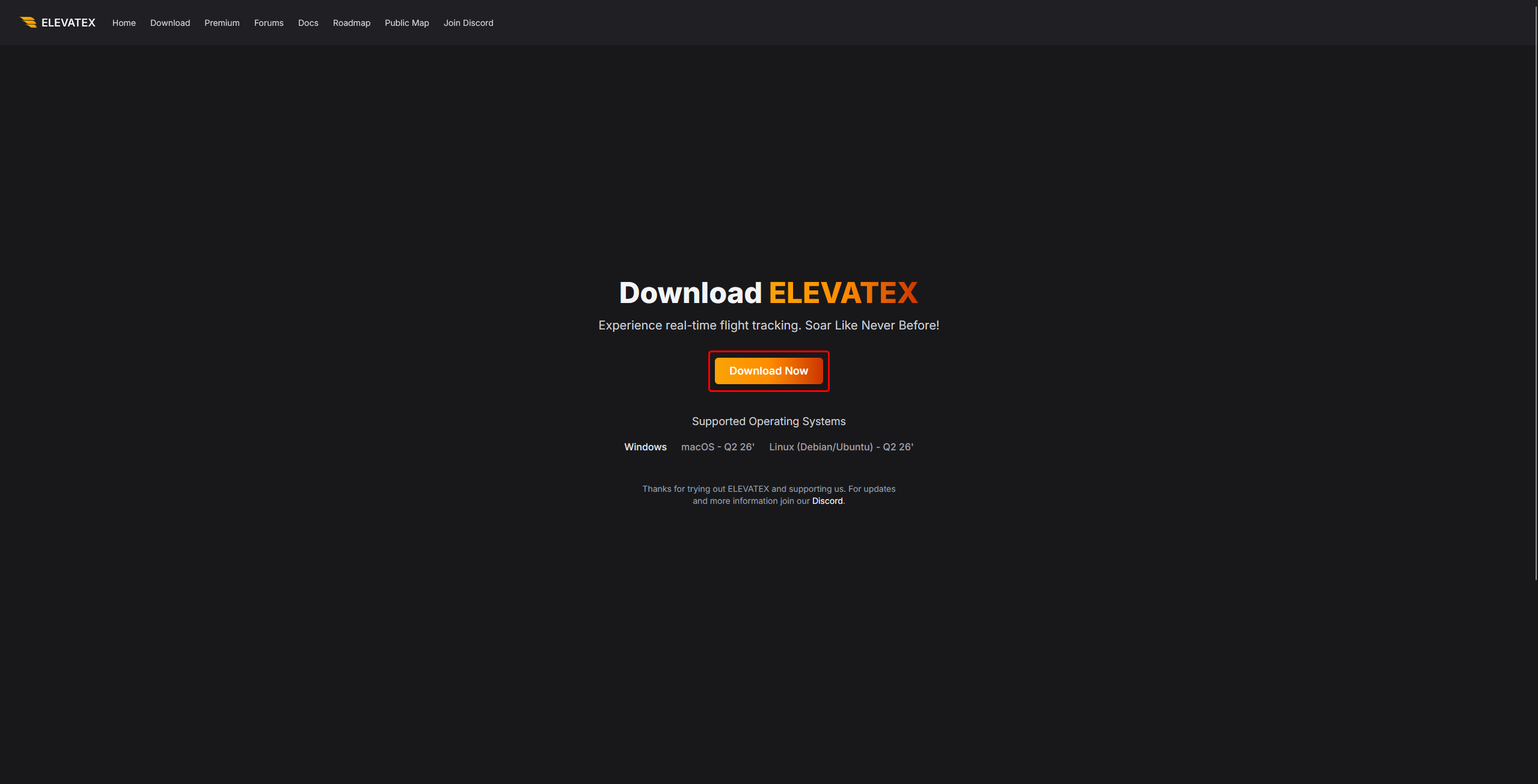
On the ELEVATEX website, click Download Now and install the application.
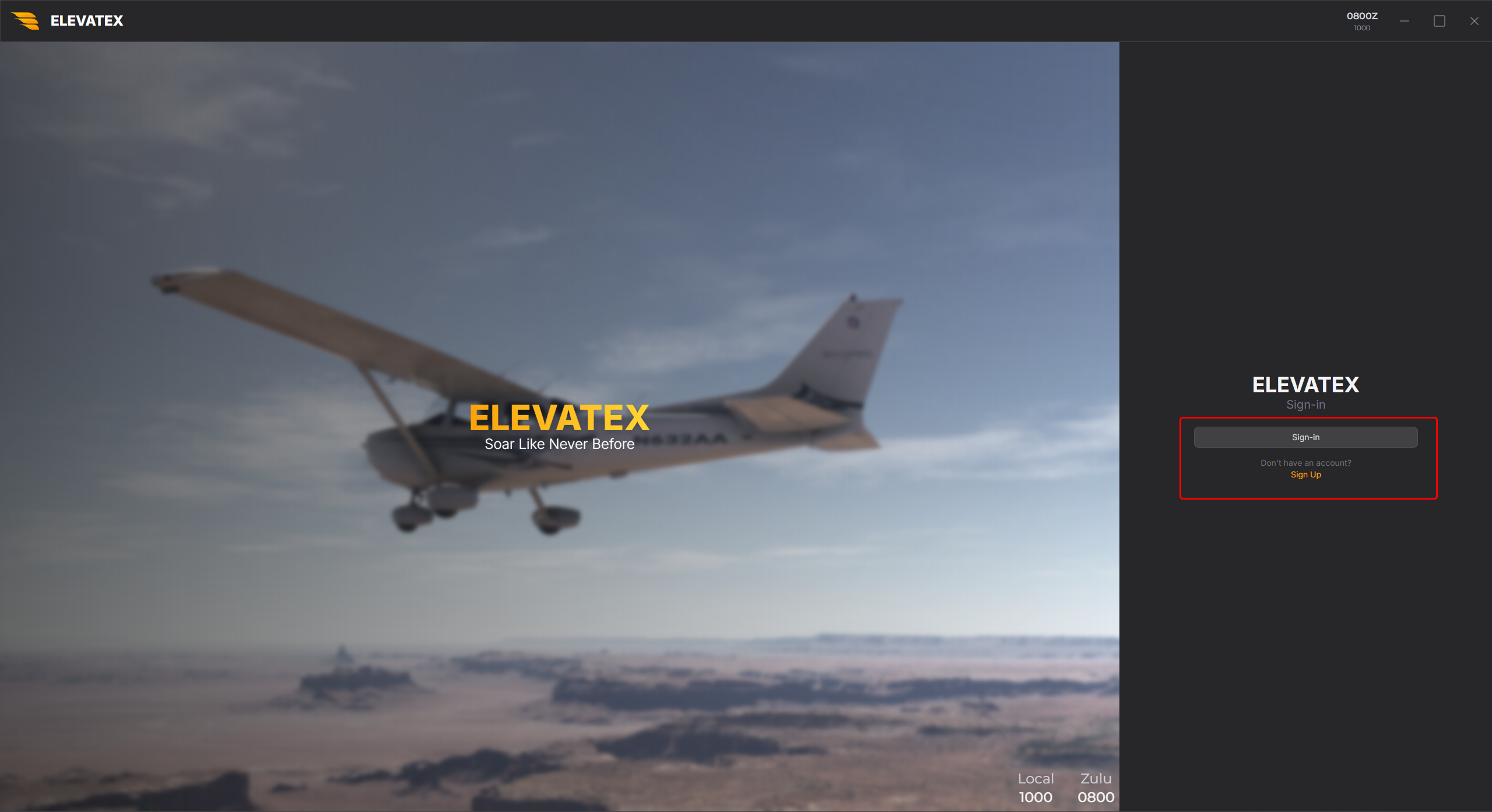
Sign in and Sign Up
Open ELEVATEX. Use Sign-in if you already have an account, or Sign Up to create one. Sign Up redirects you to a browser tab where you enter your email, username, and password, then click Create Account. You will receive a confirmation email after signing up.
Confirmation email
If the confirmation email does not appear in your inbox, check your spam folder before requesting another email.
After your account is created, return to ELEVATEX and click Sign-in. You will be asked to authorize the application when signing in.